How to Start Fresh and Delete Your Character in Where Winds Meet
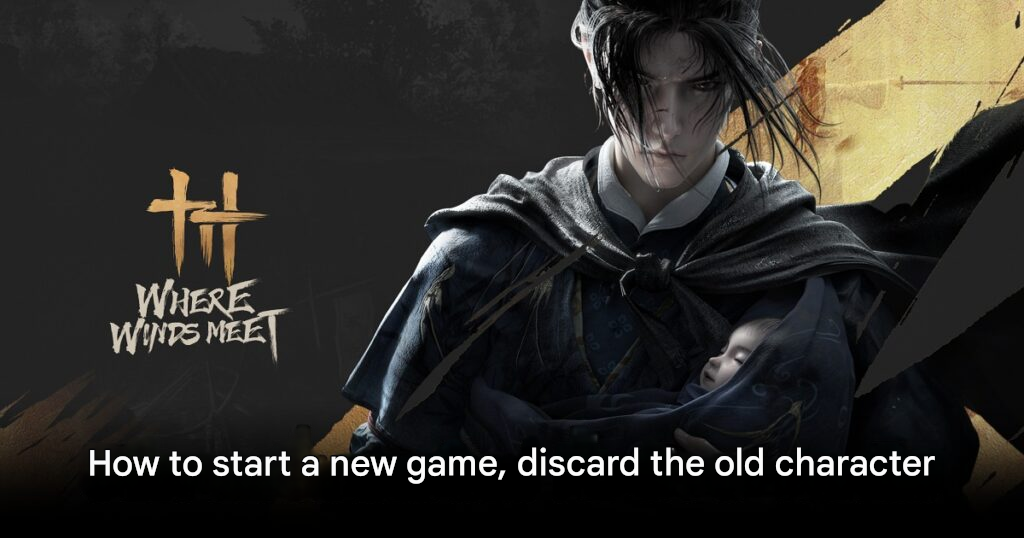
How to Start a New Game and Reset Your Character in Where Winds Meet
Where Winds Meet offers an expansive open-world experience, allowing players to explore as martial arts masters. However, one aspect that frustrates some players is resetting or deleting a character, as the game does not provide a direct “Delete Character” button in its current version. While the feature exists in the Chinese release, Western players must use a temporary workaround to start a new game.
Current Workaround to Start Fresh
According to reports from the community, the only practical method to reset your progress is to bind a new account. Here’s how:
- Go to Settings → Others → Bind Account.
- Bind a new Netease account, Steam, Epic, or create a temporary Netease account.
- Once the new account is linked, the game will treat it as a fresh start.
- For best results, repeat the process twice:
- Bind the temporary account first.
- Switch back to your main Steam, Epic, or Netease account.
This approach effectively allows players to start the game as if it were brand new without waiting for an official “Delete Character” feature.
Where Winds Meet World and Setting
The game immerses players in the political turmoil of late Tang Dynasty China, a period of conflict and sorrow. Players take on the role of a highly skilled martial artist navigating this chaotic era, making decisions that affect the fate of the dynasty.
Where Winds Meet is planned for PC, iOS, Android, and PS5, with the PS5 version offering a 6-month exclusivity period.